

Great content starts with a connected team.
Give every department a clear path from idea to finished video.
Bring briefs, footage, feedback and expert editors together in Vivaro.









Our approach
Human first. AI where it counts.
We’re an AI-native production company. We built AI into Vivaro to help your team shape the brief and get to a first cut faster. Your interviewer knows when to ask one more question. Your editor knows when to let the answer breathe.

Generative AI video
Create a shot you haven’t filmed.
For a welcome film, the producer imagines a new starter walking into the office. AI generates the cutaway. The producer decides where it belongs alongside the filmed interview.
See generative video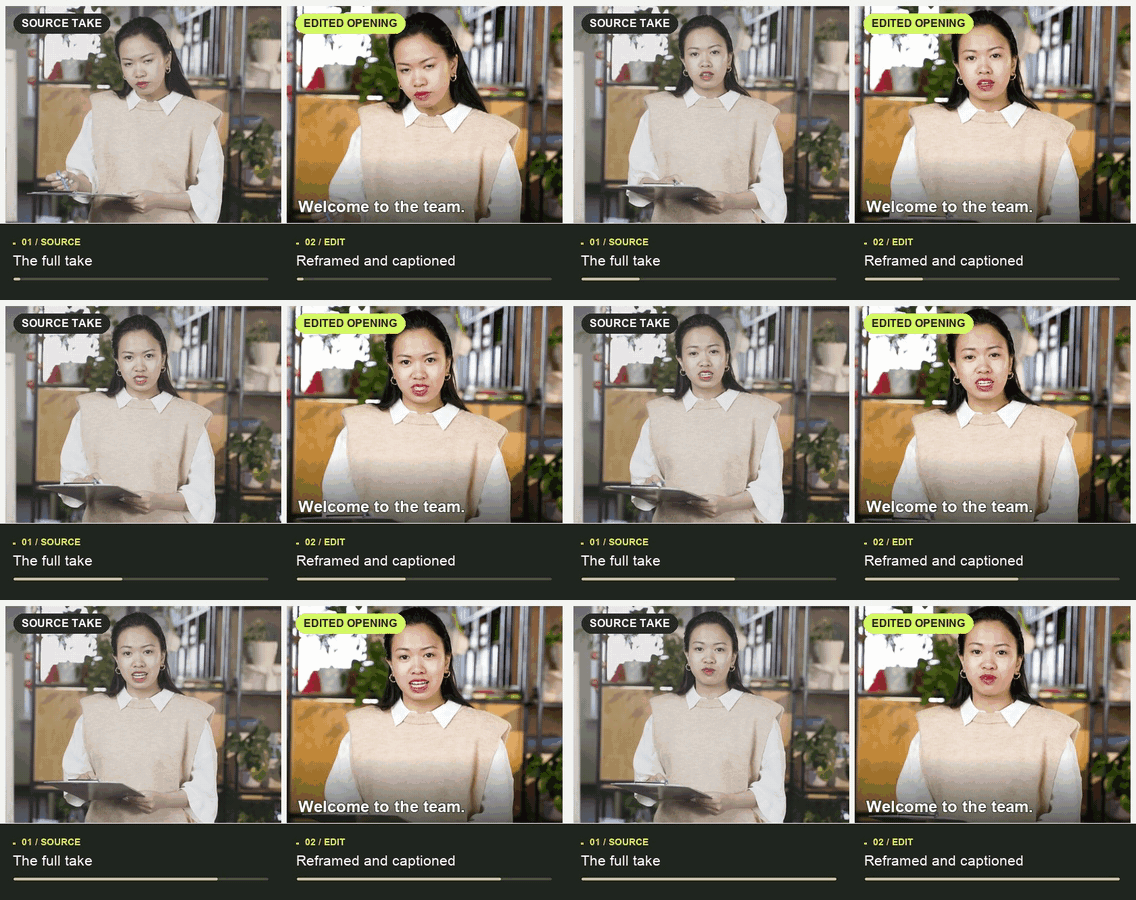
AI-assisted editing
Find the cut in the footage you have.
Start with a colleague’s recorded welcome. AI helps trim the opening. Your editor compares the two cuts and keeps the moment that sounds most like them.
Explore assisted editing01 / Shoot with what you have
Your next film crew is already on the payroll.
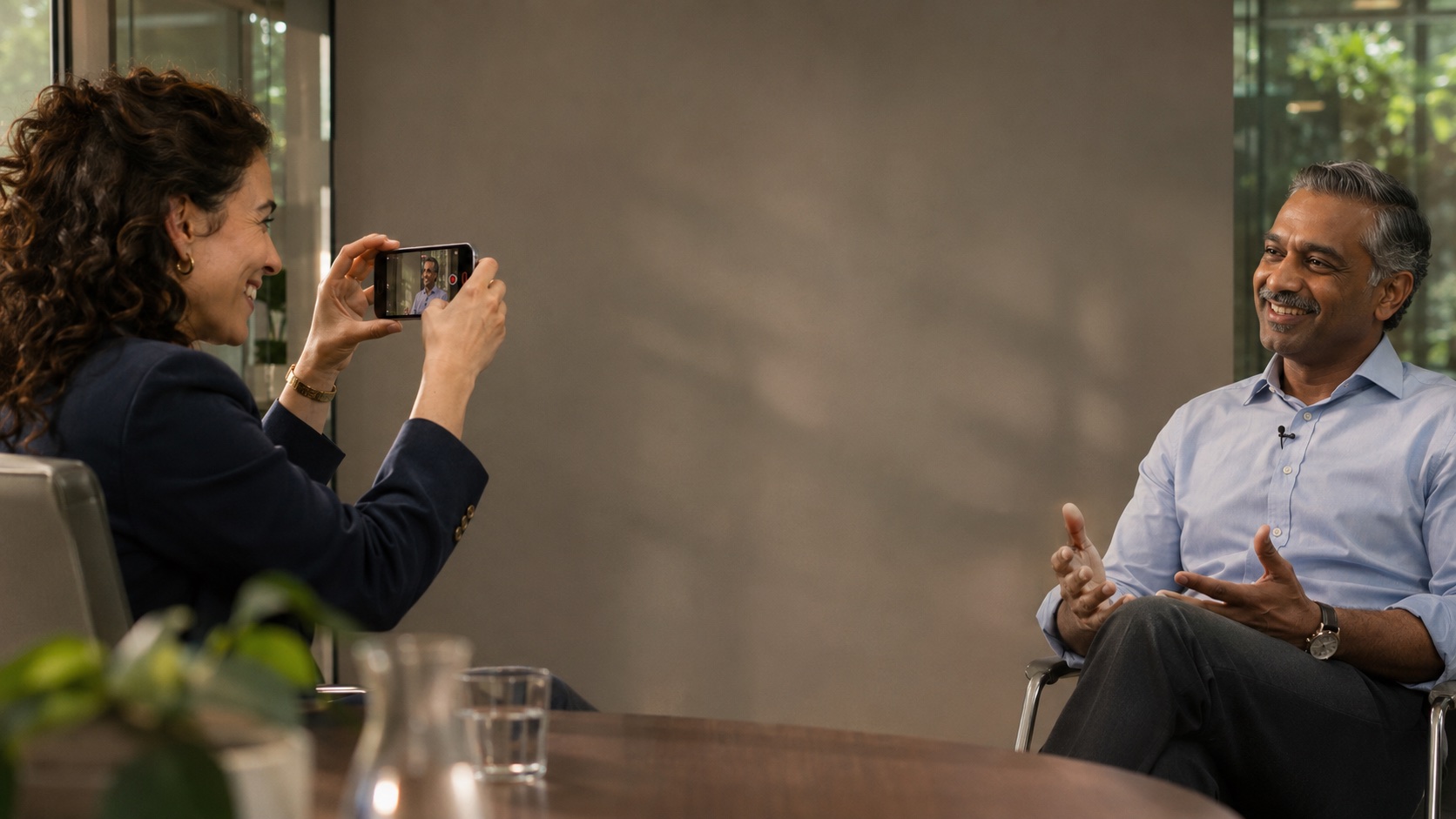
With a little training in framing, lighting and sound, colleagues can film interviews and updates on an iPhone or Samsung phone. Send the footage and brief through Vivaro and get a professionally edited video back in 24 hours.
See how it works ↓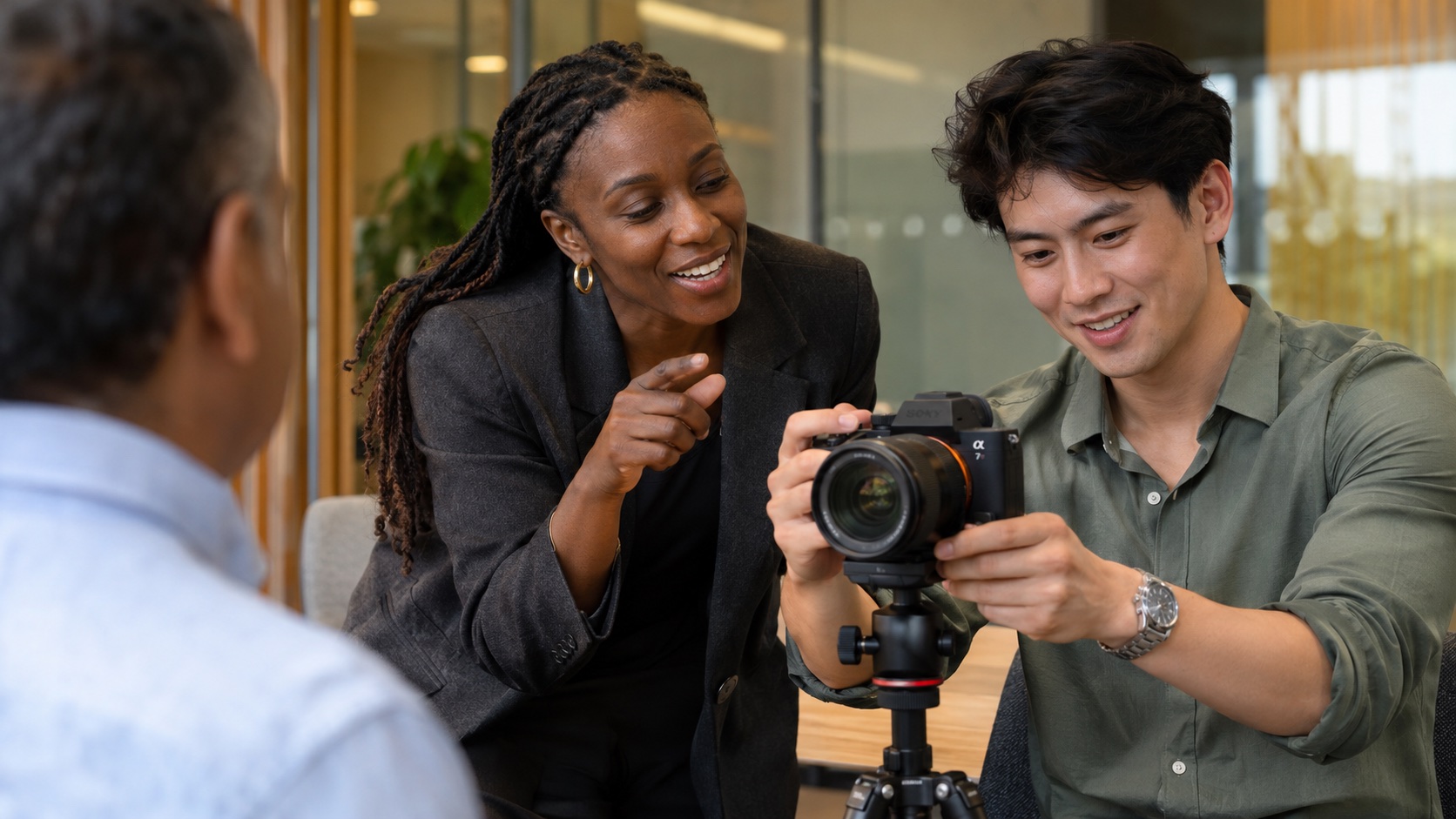
02 / Example workflow
One project. From first thought to final cut.
Follow an onboarding film for new starters across three offices. See who owns the next move, from the first brief to the next edit.
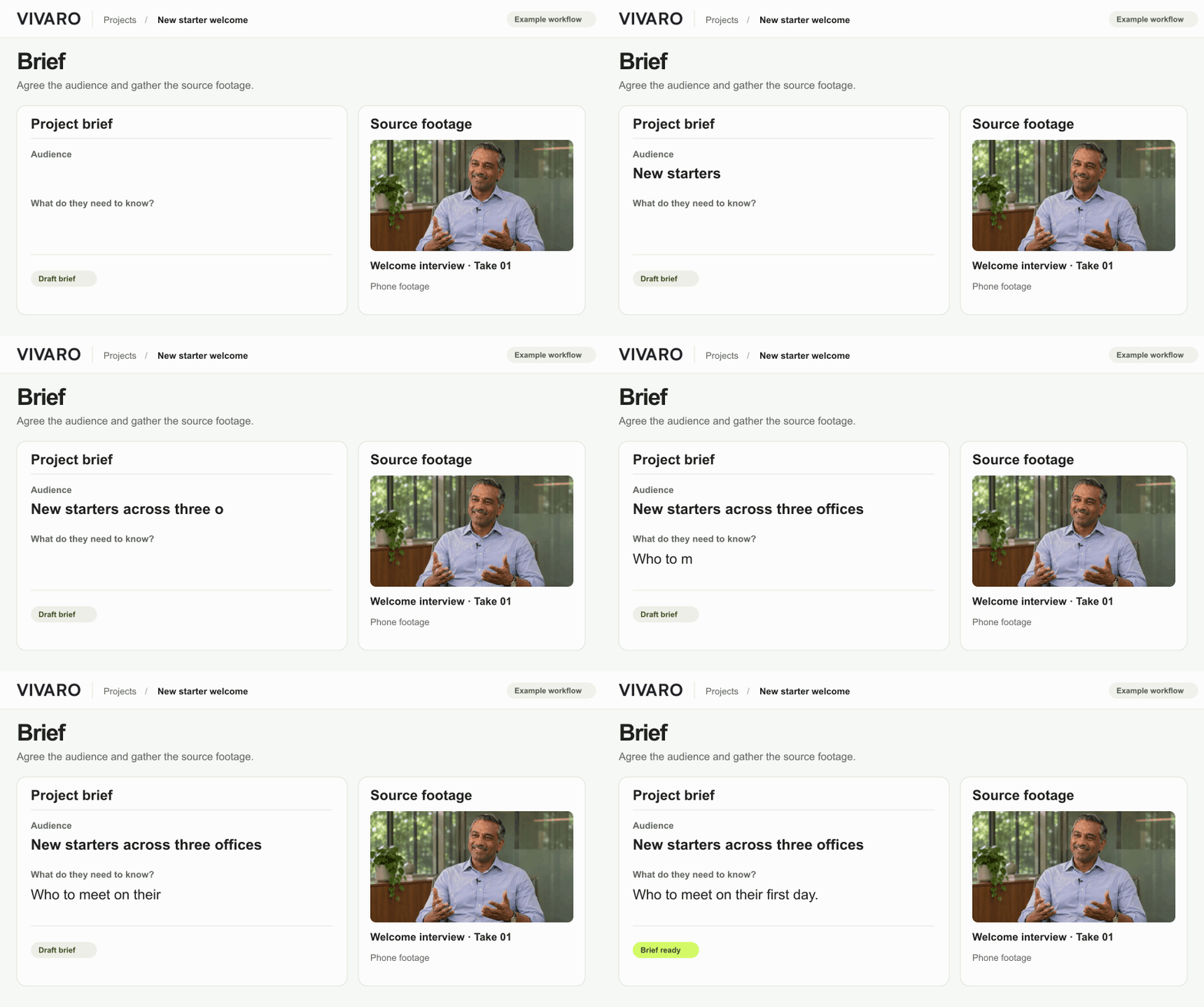
STAGE 01 / BRIEF
Give the story a starting point.
The learning manager sets the audience and the goal. AI helps draft interview questions from the brief. The producer chooses what to ask the colleague who does the job.
STAGE 02 / CREATE
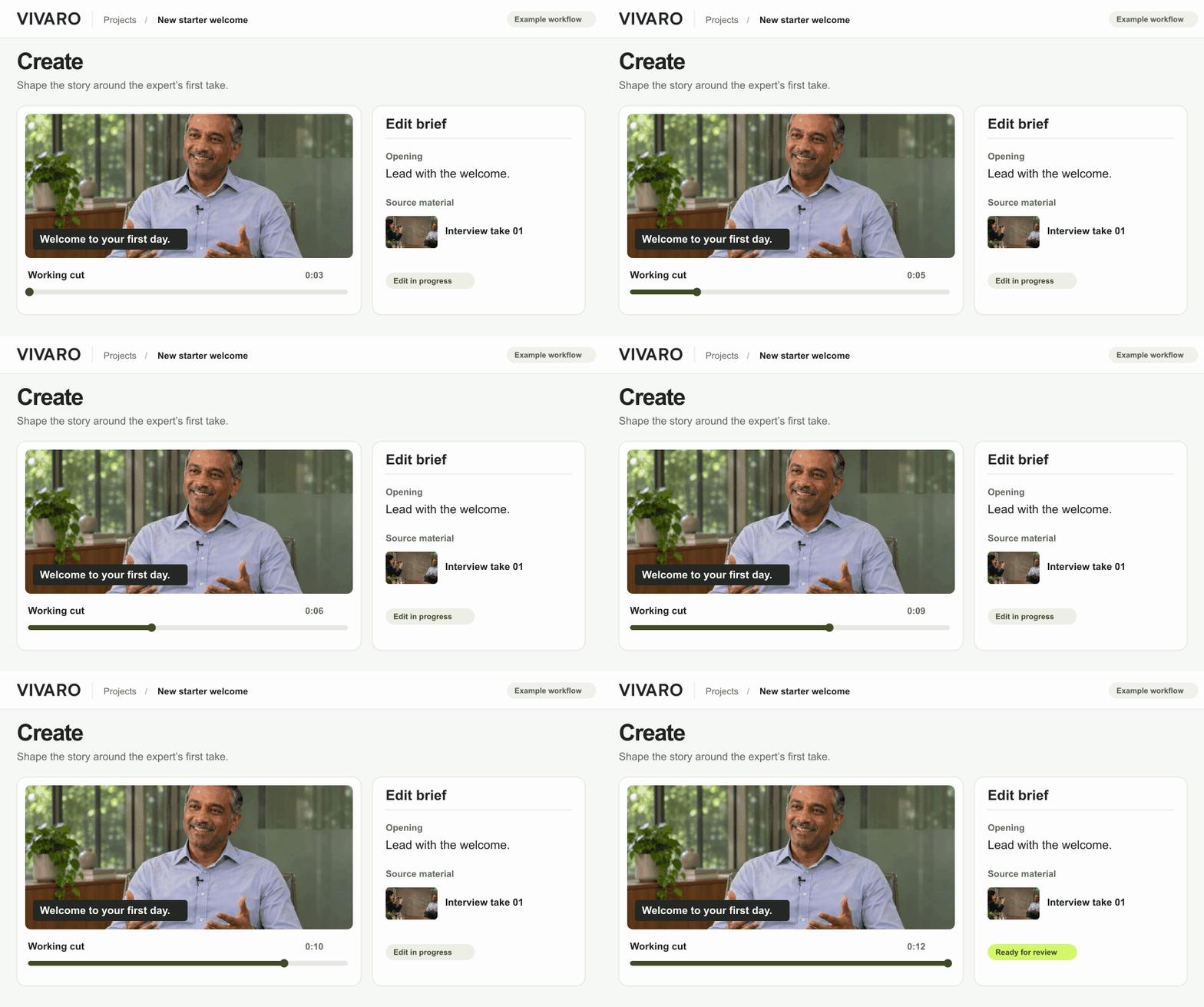
One brief. A whole production team.
The expert films the process on a phone. The producer adds a generated supporting shot and asks a Vivaro editor to polish the original take.
STAGE 03 / REVIEW
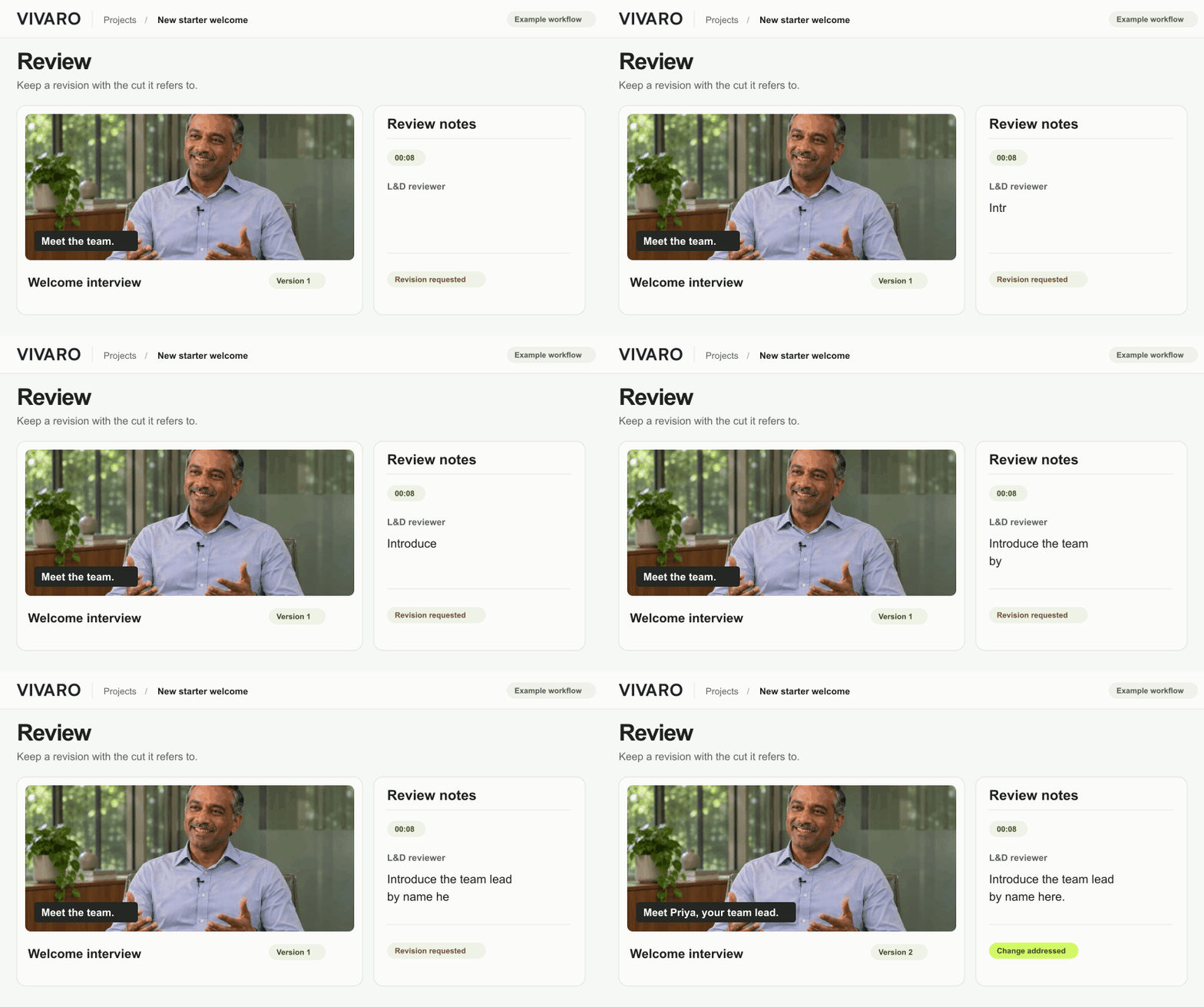
Feedback belongs beside the cut.
The subject expert flags a line that needs a clearer explanation. The producer compares the revised cut with the original request.
STAGE 04 / DELIVER
Give everyone the right version.
The producer hands over the approved widescreen film. The finished edit, working versions and original footage belong to the same project.

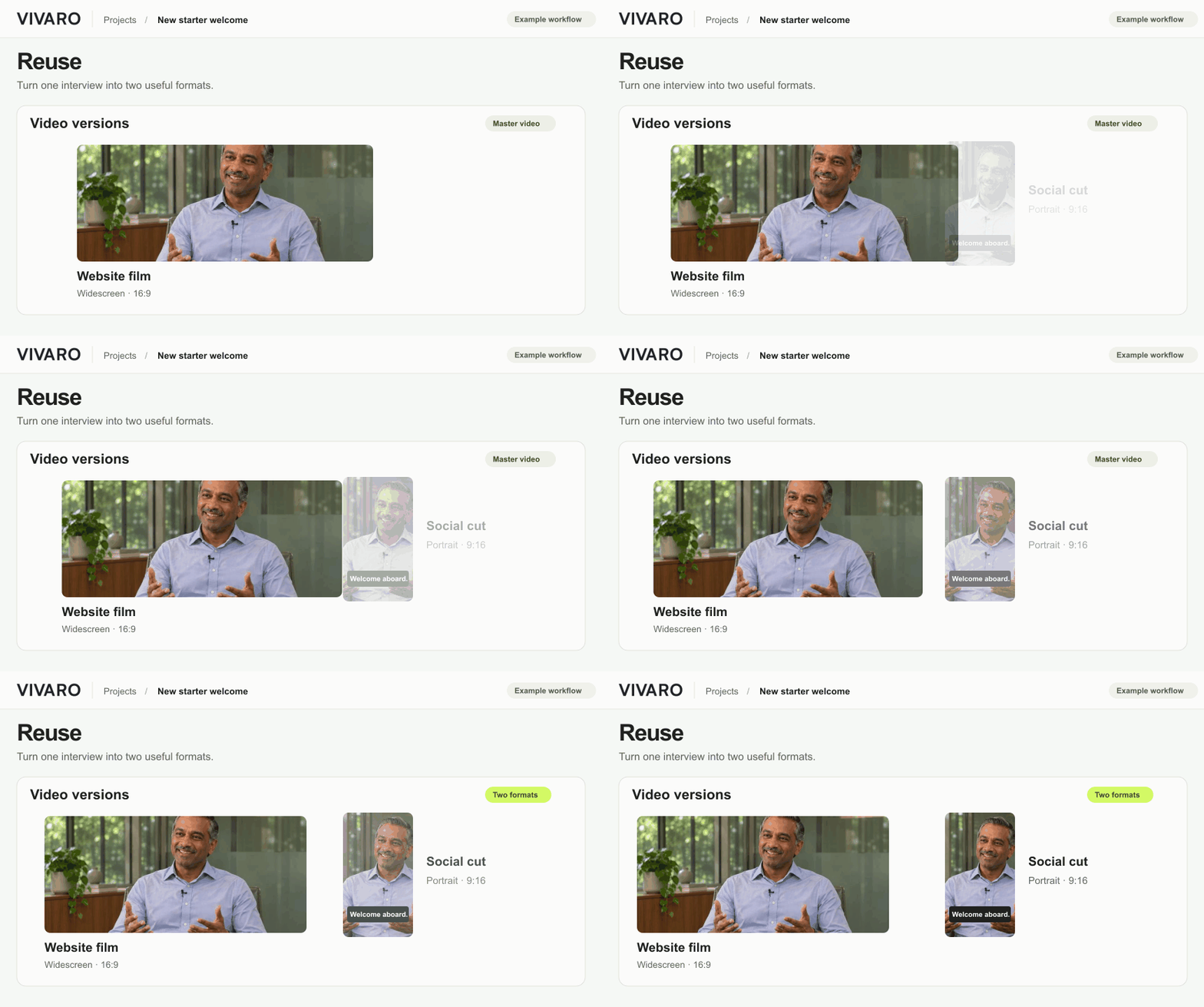
STAGE 05 / REUSE
A good shoot deserves another outing.
Find the original speaker, cut a captioned vertical excerpt and update the training film when the process changes.
No more paper editing.
Make your comment on the timeline and your editor will receive a time-coded comment, saving hours of back and forth.
03 / Built for your team
Different departments. Same production floor.
01
Creative and production
Keep the queue moving and your editors in the director’s chair.
Explore team workflow ↗
02
Internal communications
Get the leadership update from first take to the right inboxes.
Explore team workflow ↗
03
Learning and development
Give the subject expert a say in the cut. Keep the source for next time.
Explore team workflow ↗
04
HR and people
Turn one employee story into a recruitment cut and an internal version.
Explore team workflow ↗
05
Marketing
Take a specialist’s interview from website film to social clips.
Explore team workflow ↗
The production notes
A few good questions.
Can our internal editors keep producing the work?
Yes. Your production team controls the brief, cut and feedback. Bring in a Vivaro editor when you need more capacity.
Where does the 24-hour turnaround apply?
Vivaro’s human editors return a professional edit of employee-shot footage in 24 hours. Stakeholder review and any later revisions follow.
How do colleagues review the film?
Stakeholders review the cut online and the producer brings feedback into the next version.
Can we reuse an approved film?
Find the approved film alongside its source material to make a cutdown, a vertical version or an updated training film.
How does AI fit into production?
AI can help shape a brief, generate a supporting shot or edit footage your colleagues filmed. The people making the video choose the questions, decide which shots belong and approve the final cut.
Vivaro for enterprise
See how Vivaro would work across your teams
Bring your production lead, your questions and that project everyone keeps talking about.
Book a demoExplore enterprise